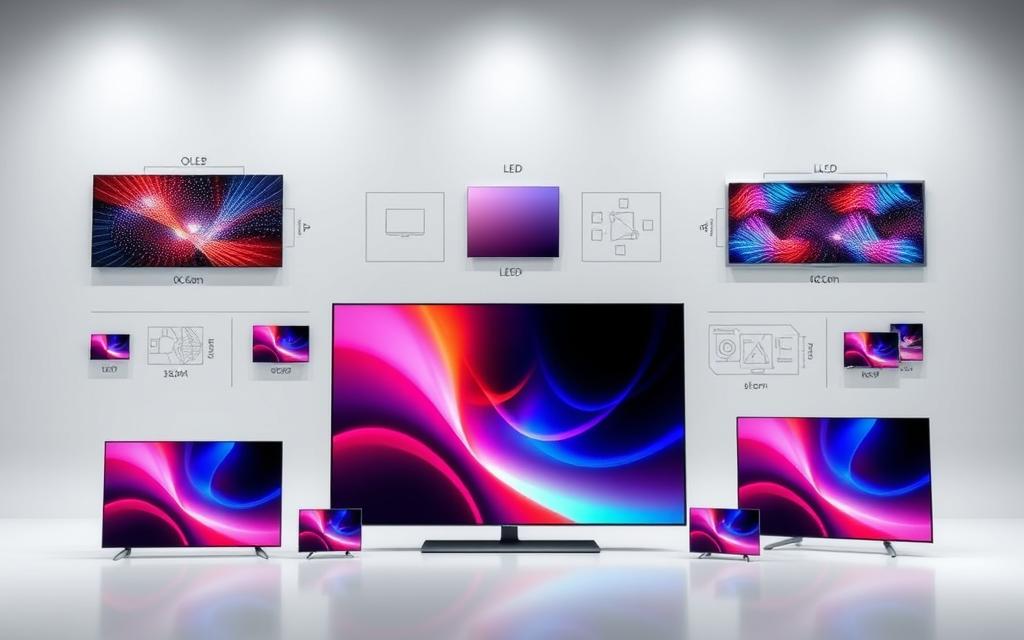

This guide unpacks what are the different tv technologies powering modern screens and how each shapes picture quality, contrast and brightness.
LED‑LCD still forms the common backbone of many sets. Edge‑lit, Full‑Array and Mini LED alter how backlight behaves. Mini LED uses smaller diodes for finer local dimming and higher peak light, while Full‑Array helps cut blooming.
OLED uses self‑emissive pixels for true blacks, wide viewing angles and superb colour. It risks burn‑in but gives excellent cinematic depth. QLED sits atop LED‑LCD, using quantum dots to lift colour and brightness, with lower burn‑in risk.
Expect a clear comparison of contrast handling, refresh rate and longevity. This short primer will help you weigh options for home placement and entertainment habits.
What are the different TV technologies available today?
From emissive panels to enhanced LED backlights, available options shape picture quality and viewing experience.
LED and LCD explained: light emitting diode backlights and liquid crystals
LED‑LCD sets use a light emitting diode backlight that shines through liquid crystals to form an image. This brings improved brightness, energy efficiency and thinner cabinets compared with older CCFL designs.
Edge‑lit TVs can be very slim but risk light bleed. Full‑array and Mini LED place many diodes behind the panel to enable local dimming and better contrast control.
OLED: self‑emissive pixels for true blacks and infinite contrast
OLED panels make each pixel emit its own light. That pixel‑level control yields perfect blacks, exceptional contrast and wide viewing angles.
OLED often delivers superior colour accuracy and cinematic depth, though peak brightness may lag high‑output LED models.
QLED and quantum dots: enhancing colour and brightness on LED‑LCD
QLED combines quantum dots within an LED‑LCD stack to boost colour volume and brightness. This helps HDR highlights remain vivid in sunlit rooms.
Processing and tone‑mapping still shape final image quality, so brand and model choices matter.
| Approach | Strengths | Considerations |
|---|---|---|
| LED‑LCD (Edge‑lit) | Thin design, good brightness, energy efficiency | Prone to light bleed, limited local dimming |
| Full‑Array / Mini LED | Better local dimming, improved contrast, higher peak light | Thicker panels, higher cost |
| OLED | True blacks, excellent contrast, pixel‑level control | Lower peak brightness, potential burn‑in risk |
| QLED (quantum dots) | High brightness, vivid colour, strong HDR performance | Depends on backlight design for blacks |
OLED vs QLED: head‑to‑head picture quality and performance
This head‑to‑head look examines how panel design and backlight choices change real‑world picture performance.
Contrast and blacks
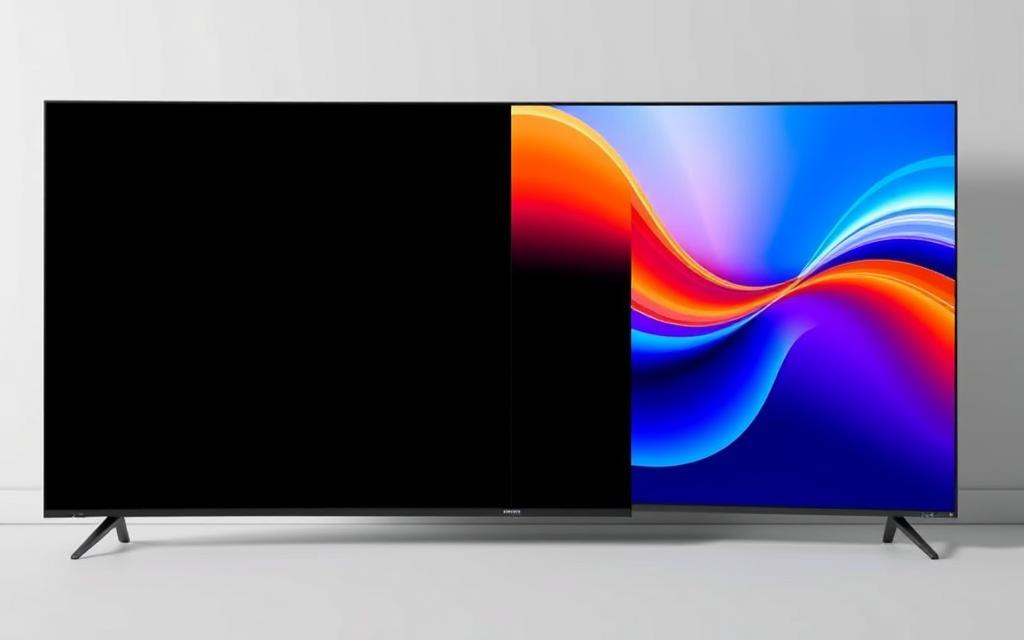
OLED switches pixels off for true blacks and blacks infinite contrast, so shadow detail stays clean in dark rooms.
QLED relies on local dimming zones in its LED backlight, which improves contrast but can produce haloing around bright highlights.
Brightness and HDR
QLED generally achieves better brightness and punch for HDR highlights. That makes scenes pop in well‑lit spaces.
OLED clips earlier at peak light, yet retains perceived depth thanks to perfect black levels.
Colour and viewing angles
Quantum dots help QLED deliver vivid, accurate colour and greater colour volume at high brightness.
OLED offers naturally pure self‑emissive colour and wider viewing angles, so off‑axis scenes keep tone and contrast.
Gaming, motion and longevity
Many modern sets support higher refresh rate modes and VRR. OLED’s rapid pixel response reduces motion blur for fast action.
QLED/LED sets often reach better HDR peak brightness and carry a lower burn‑in risk for static on‑screen elements.
Practical buying notes
- Choose OLED for cinema‑grade contrast and wide viewing angles.
- Pick QLED for maximum HDR brightness in bright rooms and vibrant colours.
- Consider room light, typical content and calibration to get the best picture quality; see a detailed OLED vs QLED comparison.
The LED family: standard LED, Full‑Array local dimming, and Mini LED
From edge lighting to dense arrays, backlight choices steer perceived picture quality.
Edge‑lit LED: thin designs with more light bleed
Edge‑lit sets position leds at the panel frame to keep cabinets slim. That layout helps design and cost.
However, concentrating the light at the edges can cause uneven illumination and visible light bleed. This reduces contrast in challenging scenes.
Full‑Array LED: local dimming zones for improved picture quality
Full‑array spreads leds across the rear, creating local dimming zones that raise or lower light behind picture areas.
This dynamic dimming improves blacks and boosts highlights where needed, enhancing contrast and overall picture quality.
Mini LED: denser backlights for better contrast and better brightness
Mini LED packs many more leds into a tighter array. More zones mean finer dimming control and reduced blooming.
That design supports higher brightness for HDR and keeps contrast strong in bright rooms. Still, very dark scenes can show halos since backlights cannot switch individual pixels off.
Where QLED fits: quantum dots layered on LED‑LCD TVs
QLED uses quantum dots inside the LED‑LCD stack to enhance colour and lift peak brightness. Many qled tvs pair this with full‑array or mini led backlights to maximise HDR punch.
Tuning, zone count and panel coatings shape real results, so two sets with similar specs may perform differently in your lounge.
- Edge‑lit: slim and affordable, but less uniform blacks.
- Full‑Array: balanced cost and performance with useful local dimming.
- Mini LED: near‑flagship uniformity and better brightness for bright rooms.
| Approach | Strength | Consideration |
|---|---|---|
| Edge‑lit LED | Thin builds, lower cost | Prone to light bleed; limited dimming control |
| Full‑Array LED | Effective local dimming, improved contrast | Thicker panel; depends on zone count and algorithms |
| Mini LED | Denser leds, finer dimming, better brightness | Higher cost; some blooming still possible |
| QLED (with Full‑Array/Mini LED) | Enhanced colour from quantum dot; strong HDR | Still relies on backlight for blacks; tuning varies |
Resolution and formats: UHD/4K, 8K, HDR and the content you watch
Resolution choices shape how much fine detail a screen can render, and that affects every viewing session.
UHD/4K: number pixels, clarity and everyday streaming
UHD, commonly called 4K, uses 3840 x 2160 number pixels — over eight million in total. This boost in pixel density delivers finer textures, smoother diagonals and clearer text across streaming, broadcast and gaming.
Consistent 4K playback with HDR needs decent bandwidth and compatible apps or boxes to reach full picture quality.
8K: more pixels for large screens, limited native content
8K multiplies addressable elements to 7680 x 4320, more than 33 million pixels. That extra number benefits very large screens or close seating, but native content remains scarce.
Good upscaling can use a strong processor to improve lower resolution material and preserve natural image texture.
HDR performance: peak brightness, local dimming and colour volume
HDR depends on peak brightness, precise local dimming and a wide colour gamut to reveal highlight nuance and maintain contrast.
OLED gives perfect blacks via emissive pixel control, while high‑brightness LED and QLED sets use dense backlights to push specular highlights. Choose based on room light and viewing experience.
For a clear breakdown of formats and practical buying advice, see an accessible guide on modern resolutions: resolution and formats explained.
Conclusion
Choose a screen that matches your room light, seating layout and viewing tastes for best long‑term satisfaction.
OLED gives perfect blacks, superb colour and wide viewing. QLED and LED‑LCD excel in brightness and resist burn‑in. Mini LED adds finer backlight control without moving to an emissive panel.
Prioritise must‑have features like screen size, HDR handling and refresh rates. Keep future needs sensible: 4K remains the practical standard while 8K suits very large displays and demo‑grade sources.
Test a shortlist in person with familiar content. Compare processing, calibration and real‑world motion. With this approach you will find the right option for your home entertainment and enjoy a lasting, high‑impact picture.
FAQ
From OLED to QLED — which display types should I consider?
OLED uses self‑emissive pixels for deep blacks and infinite contrast, ideal for cinematic viewing in dim rooms. QLED is an LED‑LCD panel enhanced with quantum dots to boost brightness and colour volume, suiting bright rooms and HDR content. Mini LED and full‑array LED use denser or zoned backlights to improve contrast on LCD panels, while edge‑lit sets favour thin designs at the cost of uniformity.
LED and LCD — how do light emitting diode backlights work with liquid crystals?
LED backlights sit behind or around an LCD panel and illuminate liquid crystals that modulate light to form images. Local dimming in full‑array sets switches zones off or down for darker scenes. Edge‑lit designs place LEDs at the panel edges, reducing thickness but risking light bleed and uneven contrast.
What makes OLED’s picture quality special compared with other displays?
Each OLED pixel emits light independently, so blacks are absolute and contrast is effectively infinite. That yields superior shadow detail and wide viewing angles. Colour purity benefits from pixel‑level control, though peak brightness typically lags behind high‑end LED‑based sets.
How do quantum dots in QLED improve colour and brightness?
Quantum dots convert backlight wavelengths into highly saturated colours, increasing colour volume and peak luminance. That helps HDR highlights pop and preserves hue accuracy at high brightness levels, which is useful for bright rooms and vivid content.
Which technology has better contrast and black levels?
For pure blacks and contrast, OLED leads thanks to self‑emissive pixels. LED‑LCD with full‑array local dimming and Mini LED narrows the gap by controlling many dimming zones, but some blooming around bright objects can remain visible.
Are there brightness differences between OLED and QLED?
Yes. QLED and advanced Mini LED sets typically achieve higher peak brightness, benefitting HDR scenes and well‑lit rooms. OLEDs offer excellent perceived contrast and tone mapping for most content, though absolute peak highlights may be lower.
How do viewing angles compare across panel types?
OLED panels maintain consistent colour and contrast at wide viewing angles. Traditional LCDs suffer colour washout off‑axis; QLED manufacturers improve this with panel coatings and processing, but wide viewing still favours OLED.
What should gamers consider — refresh rate, response time and image retention?
Gamers need fast response times and low input lag. OLED panels deliver near‑instant pixel response and excellent motion clarity. Many QLED and Mini LED models offer high refresh rates (120Hz or more) plus HDMI 2.1 features. Consider variable refresh support and game modes to reduce latency. OLEDs can show image retention in extreme cases, but modern sets include mitigation tools.
Is burn‑in a real concern with OLED and how common is it?
Burn‑in risk exists when static elements display for prolonged periods, but it is rare for typical mixed viewing. Manufacturers include pixel‑shifting, screen savers and brightness management to reduce risk. For heavy static‑UI use, consider an LED‑based set with strong local dimming.
What does Mini LED bring to the LED family?
Mini LED uses much smaller LEDs to create many more local dimming zones. That yields finer contrast control, reduced blooming and higher achievable brightness compared with conventional full‑array LED. When paired with quantum dots, colour and HDR performance improve further.
How does local dimming affect picture quality?
Local dimming improves black levels and contrast by lowering backlight intensity in dark areas. Effective implementations with many zones (or Mini LED) produce cleaner blacks and less haloing. Poor or sparse dimming can cause visible blooming and banding around highlights.
How important is resolution — UHD/4K, 8K — for everyday viewing?
UHD/4K is standard for most streaming, gaming and Blu‑ray content and offers clear detail on typical living‑room screen sizes. 8K provides more pixels for very large screens, but native 8K content remains scarce; upscaling quality and viewing distance determine perceived benefit.
What role does HDR play and how do sets differ in HDR performance?
HDR depends on peak brightness, colour volume and contrast. OLED excels at contrast and shadow detail, while QLED and Mini LED often reach higher highlight brightness. Look for support of HDR10, Dolby Vision or HLG plus a panel that sustains sufficient luminance for your viewing environment.
How do colour accuracy and calibration differ between panels?
Out of the box, higher‑end OLED and QLED models often offer strong colour accuracy. Professional calibration can further refine balance. Quantum dots enhance gamut and saturation, while OLED’s self‑emission gives natural tone reproduction. Check reviews for delta‑E measurements if accuracy matters.
Which options are best for bright rooms versus dark rooms?
For bright rooms, choose a high‑brightness QLED or Mini LED to combat ambient light and preserve HDR highlights. For dark rooms, OLED’s infinite contrast yields the most cinematic experience with deep blacks and immersive shadow detail.
How do energy efficiency and long‑term usage compare across technologies?
OLED panels can be very efficient for darker scenes since off pixels draw no power. LED‑based sets may use more energy at high brightness. Long‑term reliability is generally solid across modern models; follow manufacturer guidance on brightness settings and firmware updates to extend lifespan.
What should I prioritise when choosing a set for movies, sport, or mixed use?
For movies in low light, prioritise contrast and blacks — OLED wins. For sports in bright rooms, choose high peak brightness and motion handling — high‑end QLED or Mini LED is preferable. For mixed use, look for good HDR, low input lag, accurate colour and a balance between brightness and contrast.

 By
By


 By
By